MacOS Hardening - 02
Following part 1 of this series , let's dive in deeper into MacOS hardening and security. Unlike the last part , this will be considerably more advanced so please take your time consuming the instructions/steps. As many of the so called "Gurus" of Reddit have pointed out. We will also be referencing/using CIS Hardening Guides a lot in this Guide.
At this point I’m assuming you have purchased the Mururs Pro Bundle and are ready for the setup.
1. Adsorb
Install Adsorb (which is a simple but effective DNS Hosts file based blocker).
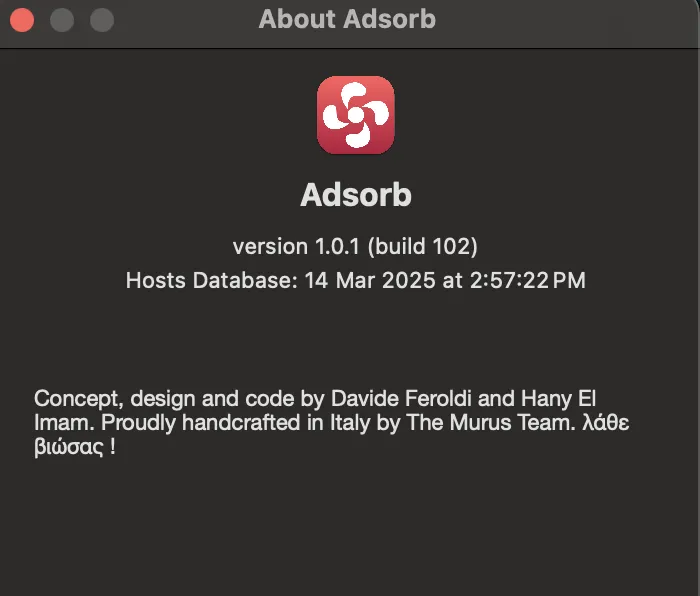
You should also enable all the 4 options in the preferences of Adsorb at this point.
2. Vallum Application Firewall
Next you should install Vallum (which is a powerfull Application Firewall).
This will install a System Extention on your Mac, So please read up on that.
Now let's complete the basics.
Make sure your settings for Vallum look similar to mine:
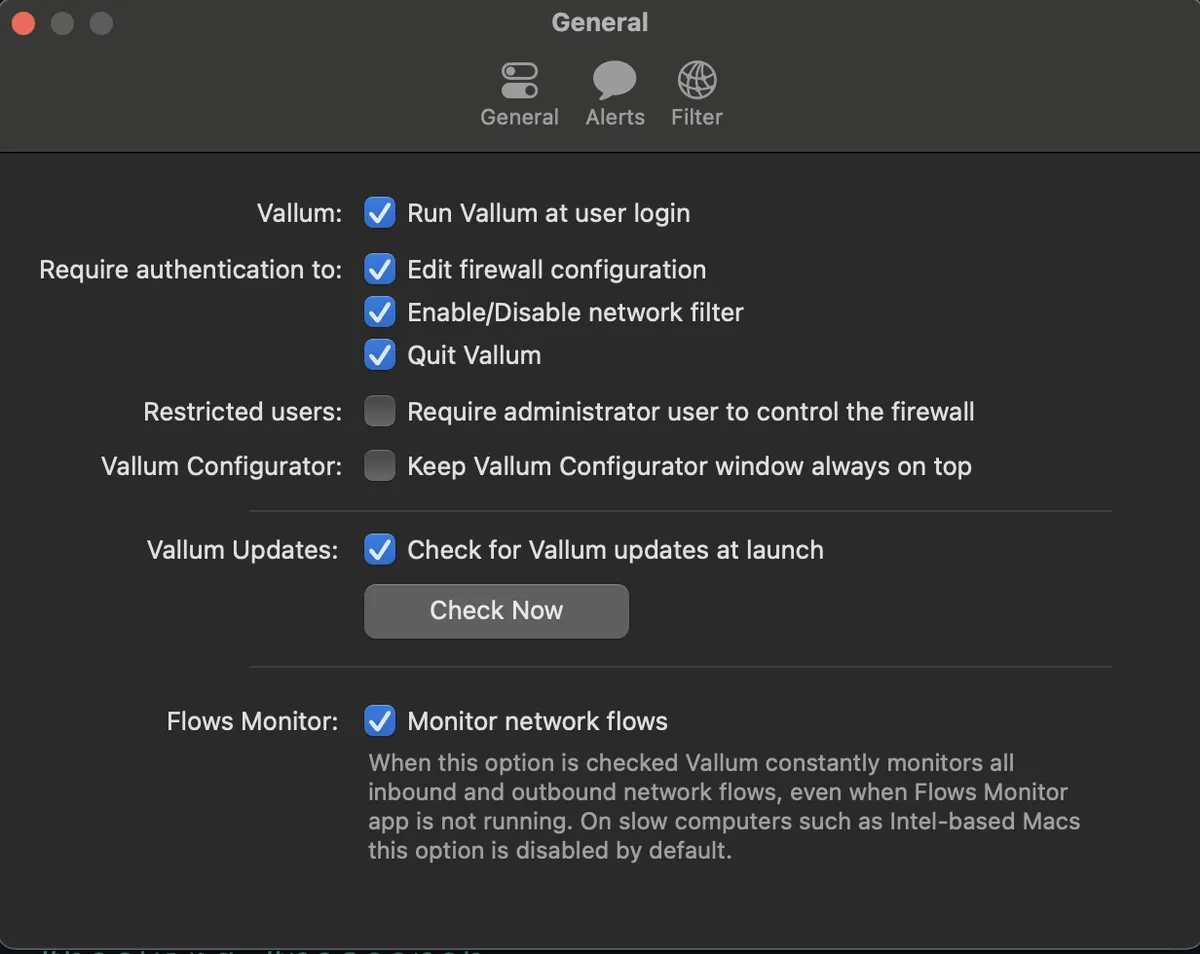
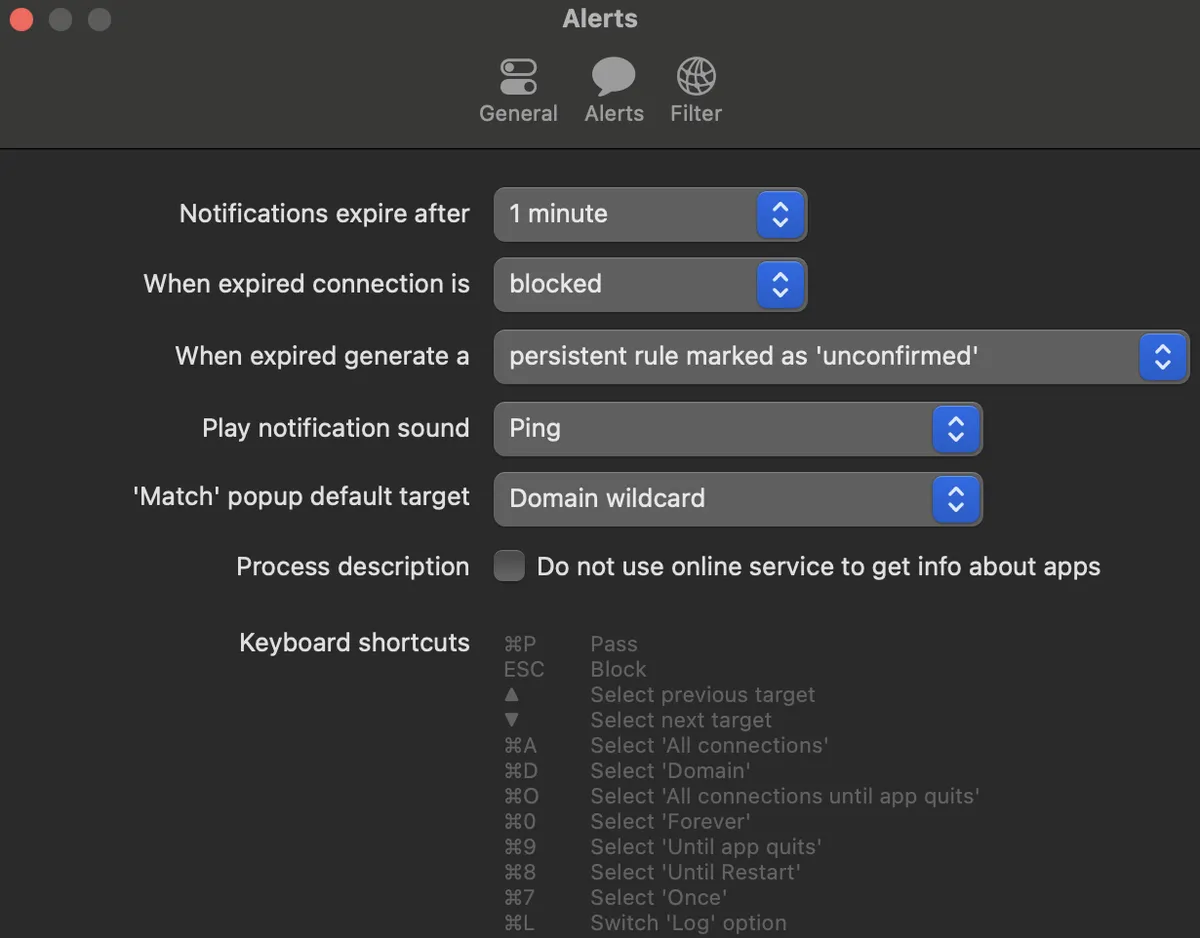
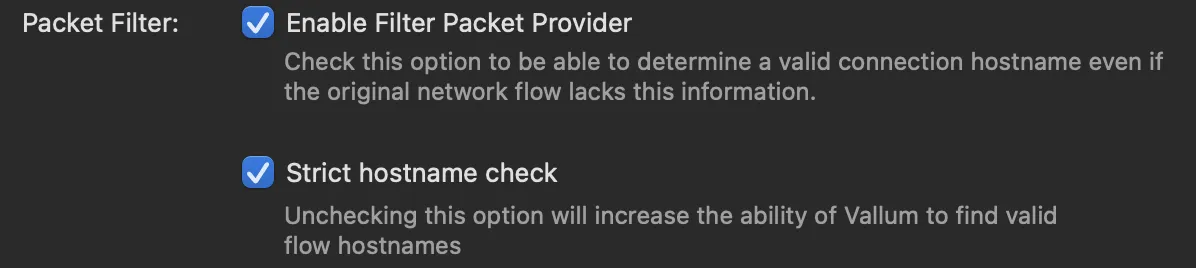
Vallum is incredibly powerful when used properly. I am not guiding you through the fine-tuning of it intentionally. I highly recommend you test it yourself. Be warned that there will be a lot of false positives when you boot Vallum up. I recommend that most allow permissions be granted only until the app closes, and then revoked. Below is an example of such a setup:
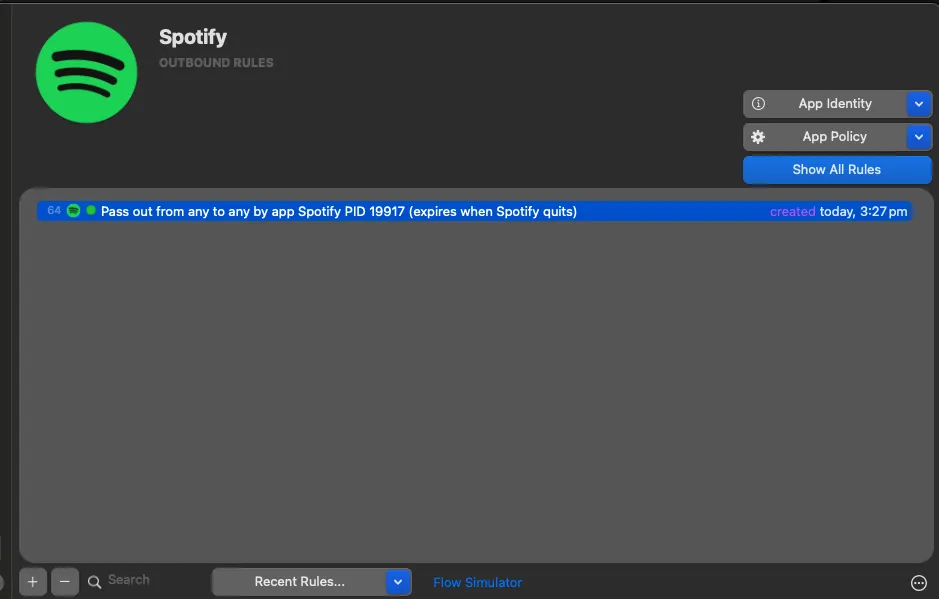
focus more on outgoing tab to start with first , and then slowly move on to inbound rules.
you may also run the inbuild Assistant to help you setup Vallum quicker. You may also use the Flow monitor feature to figure out where most of your apps are communicating.
PS: Vallum hooks into socketfilterfw, you can open your terminal and type "man socketfilterfw" to understand more.
3. Vallum Endpoint Security
Vallum Endpoint Security uses Apple’s Endpoint Security API. This is Apple’s attempt to provide standardized telemetry for their operating systems, eliminating the need for security vendors to build their own telemetry pipelines.
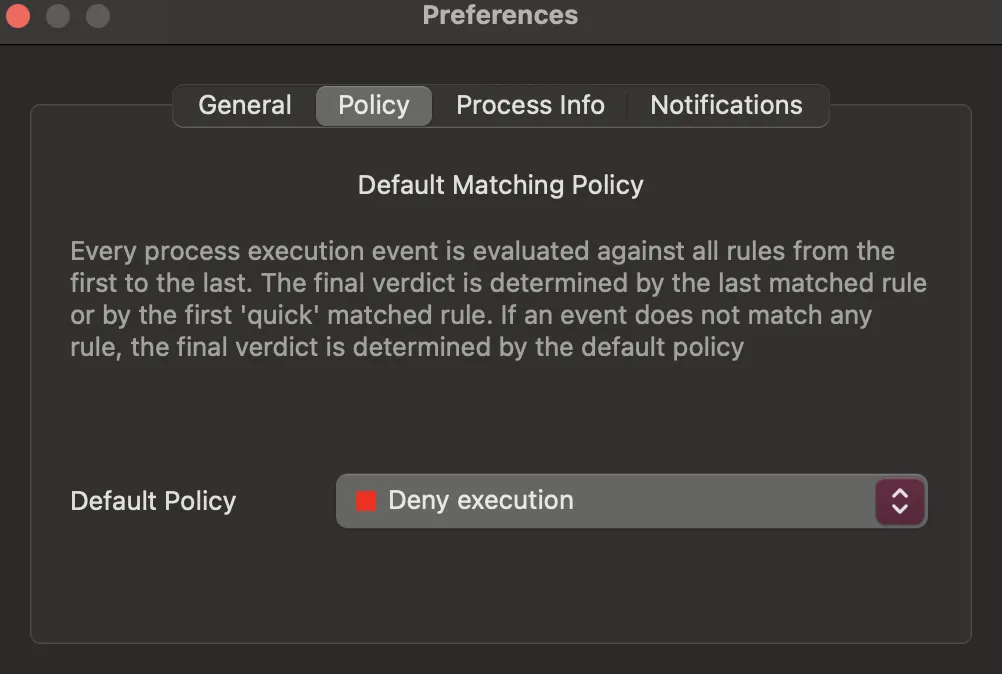
There isn’t much to say here—any Mach-O binary that attempts to run on your system will trigger a popup. If you choose to block it, the app won’t run; otherwise, it will be allowed to execute.
I also recommend keeping the default policy set to "Deny" in the settings.
4. Murus Firewall
Murus firewall is nothing but a wrapper around PF (Packet Filter), which Apple took from FreeBSD and FreeBSD took from OpenBSD.
PF is pretty complex if you want to completly manipulate it, I recommned reading a book or two and understanding the syntax of writing PF rules. The GUI of Murus firewall does make it a LOT easier.
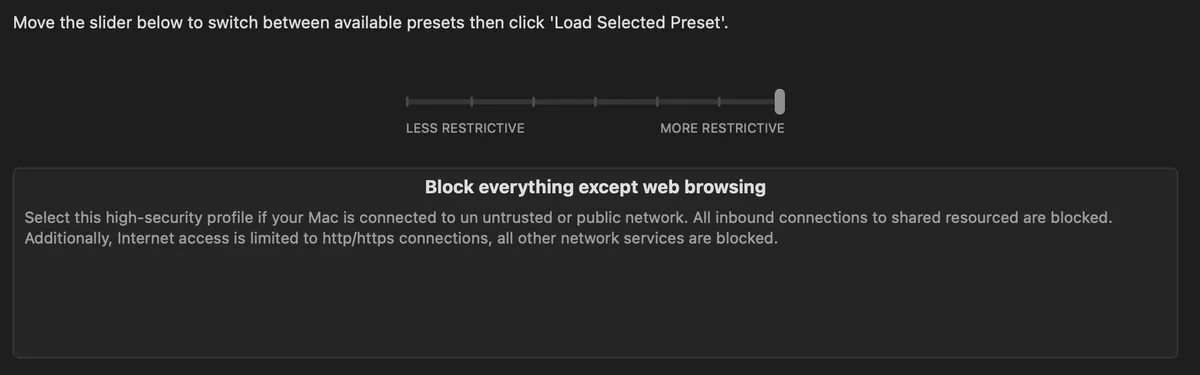
You can use the "Configuration Assistant" to setup a generic profile. I use the "Most Restrictive" one.
Now you are ready for some of the more academic hardening.
CIS / STIG / CERT / CSIRT Controls
Now that you've got the basics sorted with Vallum, Adsorb, and Murus, it's time to step things up a bit. In this part, we’ll start looking at some of the more formal and structured hardening approaches—stuff from CIS, STIG, CERT, and CSIRT. Yeah, it sounds like a mouthful, but don’t worry. These are just well-documented best practices used by orgs that take security seriously. You don’t have to follow everything to the letter-I won't show you everything here anyways, but it's a great way to understand what "good security" actually looks like. Take it slow, and tweak things based on your own use case.
First few references to help out:
- CIS Benchmarks
- DISA STIGs (Defense Information Systems Agency)
- DoD Cyber Exchange
- CERT Coordination Center (CERT/CC) – Carnegie Mellon
- US-CERT (CISA)
- FIRST.org – Global CSIRTs Directory
- ENISA – EU CSIRT Services
- APCERT – Asia Pacific Computer Emergency Response Team
- JPCERT/CC – Japan
- AusCERT – Australia
- GovCERT.ch – Switzerland
- SingCERT – Singapore
- CERT-IN – India
- CanCERT – Canada
- NCSC – UK National Cyber Security Centre
- CERT-EU – EU Institutions
- KRCERT – Korea Internet & Security Agency
- AFRICACERT – Africa-wide coordination
That said, I won’t be diving deep into the CIS or STIG controls here—this blog would get way too long and complicated if I did. But trust me, I highly recommend you read through them thoroughly on your own. These guides are goldmines of security advice and will give you a solid foundation for truly locking down your Mac. Use them as your reference manual while you build out your setup.
Conclusion & What's Next
By implementing the security layers described in this guide/blog—Adsorb for DNS-based blocking, Vallum for application-level control, Vallum Endpoint Security for binary execution oversight, and Murus for network packet filtering—you've significantly enhanced your Mac's security posture. While this guide touched on some advanced concepts, including references to formal security frameworks like CIS and STIG, the journey to a fully hardened system doesn't end here. These tools provide a solid foundation, but manual configuration can be time-consuming and error-prone. In upcoming blog posts, I will explore automation through bash scripting for both macOS and Linux systems-for CIS implementation, allowing for deployement of these hardening measures consistently and efficiently across multiple machines.